GSC Bank Nominee Addition, Modification & Deletion Form - Summary
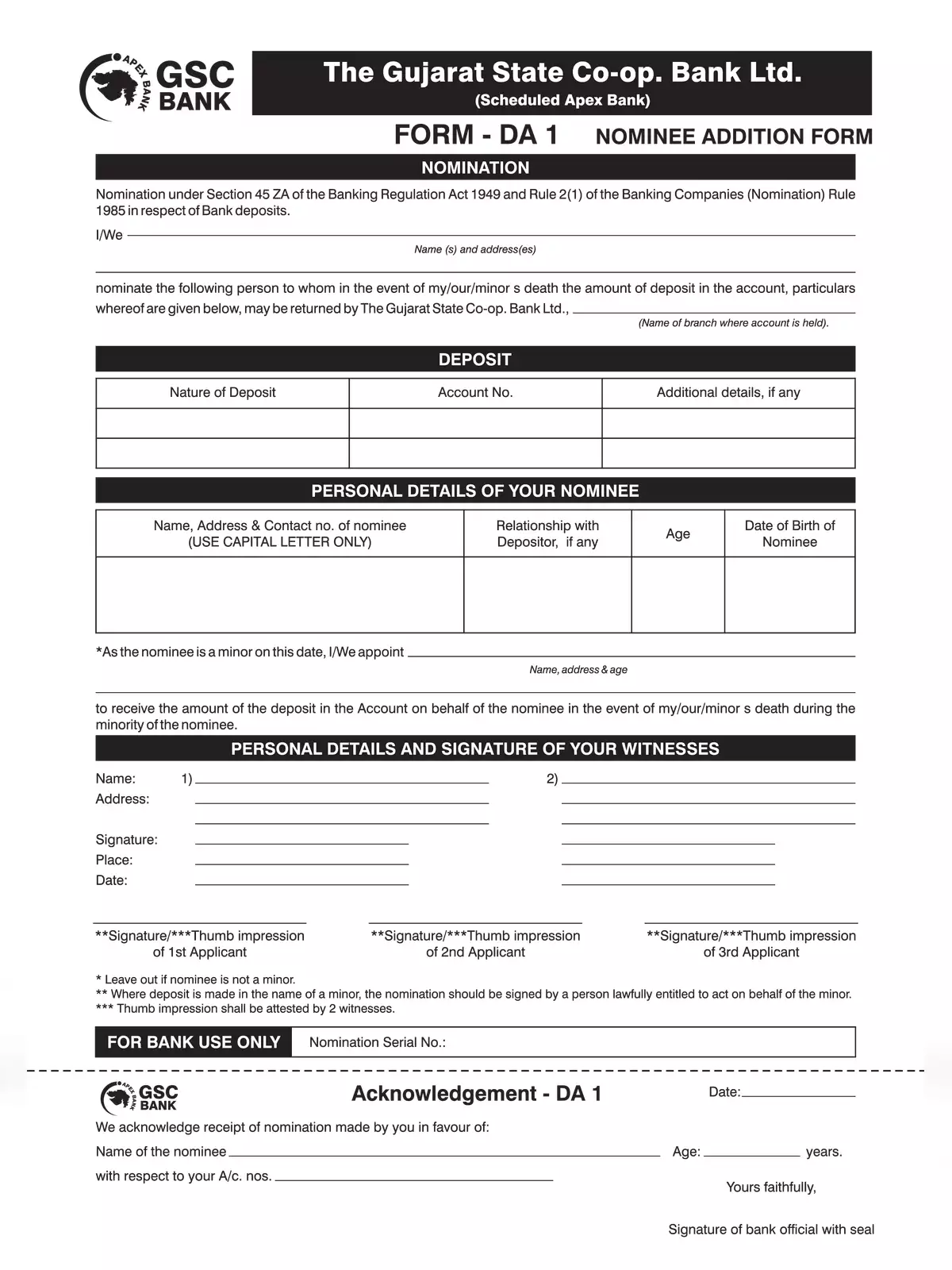
GSC Bank Nominee Addition, Modification & Deletion Form is the official three-page document issued by The Gujarat State Co-operative Bank Ltd. for managing nomination details on deposit accounts. It covers statutory banking nomination requests under Section 45ZA of the Banking Regulation Act, 1949 and Rule 2(1) of the Banking Companies (Nomination) Rules, 1985.
This PDF contains 3 pages in English, divided into three separate statutory banking forms:
- Page 1 has Form DA 1 for adding a new nominee to savings, term deposit, or current accounts.
- Page 2 has Form DA 2 for cancelling an existing registered nomination.
- Page 3 has Form DA 3 for modifying existing nominee details or substituting an old nominee with a new one.
How to fill and submit the nomination form
STEP 1 – Print the specific page you need on clean A4 paper, choosing Form DA 1 for addition, Form DA 2 for cancellation, or Form DA 3 for changes.
STEP 2 – Write your home branch name, account number, customer ID, and the type of deposit account.
STEP 3 – Fill the nominee’s full name, address, relationship with you, and age. If the nominee is a minor, enter their date of birth and the name and address of an adult appointee.
STEP 4 – Sign the declaration as the account holder. Joint accounts require signatures of all account holders.
STEP 5 – Submit the completed form along with an identity proof of the nominee at your GSC Bank home branch to get an acknowledgement slip.
Customers can also check other service forms on the Gujarat State Co-operative Bank Portal, or view the YES Bank Nominee Details Form for comparison.