Axis Bank Service Request Form - Summary
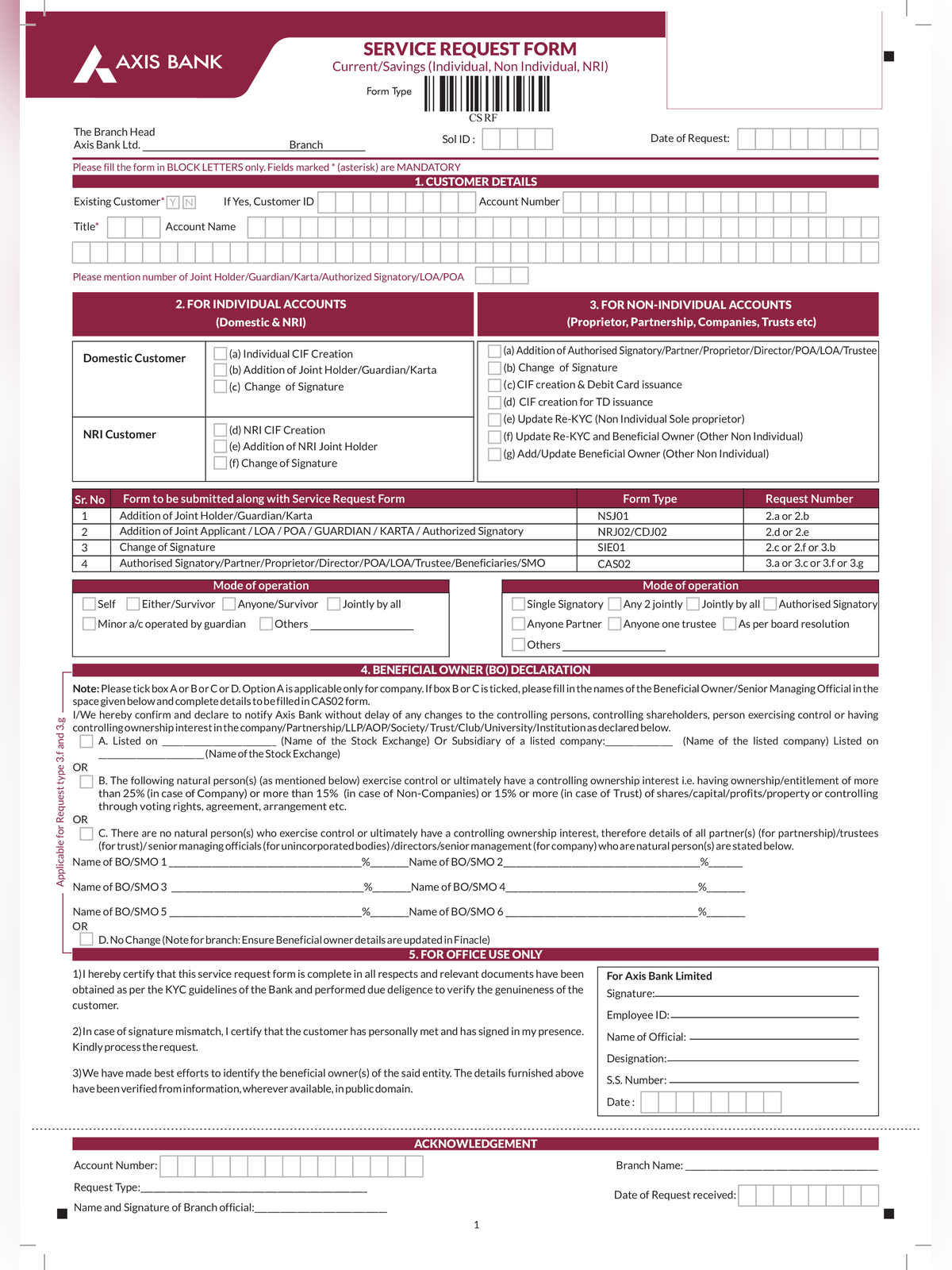
Axis Bank Service Request Form PDF is the official 2-page branch request form issued by Axis Bank for retail account holders. Customers use this form to update contact details, request account operations, or replace payment instruments offline at any bank branch.
The form is in English and covers multiple service requests in one sheet. Online account holders can also raise most of these requests through the Axis Mobile app or internet banking portal at axisbank.com.
Services Covered in the Form
The form includes sections for the following account requests:
- Updating mobile number, email address, or permanent communication address
- Requesting a new cheque book or stopping payment on issued cheques
- Reactivating a dormant or inoperative bank account
- Reissuing a debit card or changing the home branch
- Updating signature records or requesting duplicate account statements
Account holders can also use the separate Axis Bank customer request form or the Axis Bank account transfer form for branch-level modifications.
Documents to Attach
Submit self-attested photocopies of these documents based on the request type:
- Aadhaar card, passport, voter ID, or driving licence for address or contact changes
- PAN card copy or Form 60 for account reactivation and tax updates
- Original cancelled cheque or passbook copy if updating settlement details
How to fill and submit Axis Bank service request form
STEP 1 – Print the 2-page form on A4 paper and enter your 15-digit account number, customer ID, and branch name.
STEP 2 – Mark the checkbox for the required service and fill only the relevant section in capital letters.
STEP 3 – Attach self-attested copies of the required identity or address proof documents.
STEP 4 – Sign the declaration box matching the specimen signature recorded with the bank.
STEP 5 – Submit the completed form at your nearest Axis Bank branch counter and collect the stamped acknowledgment slip.