TNTET Notification 2026 - Summary
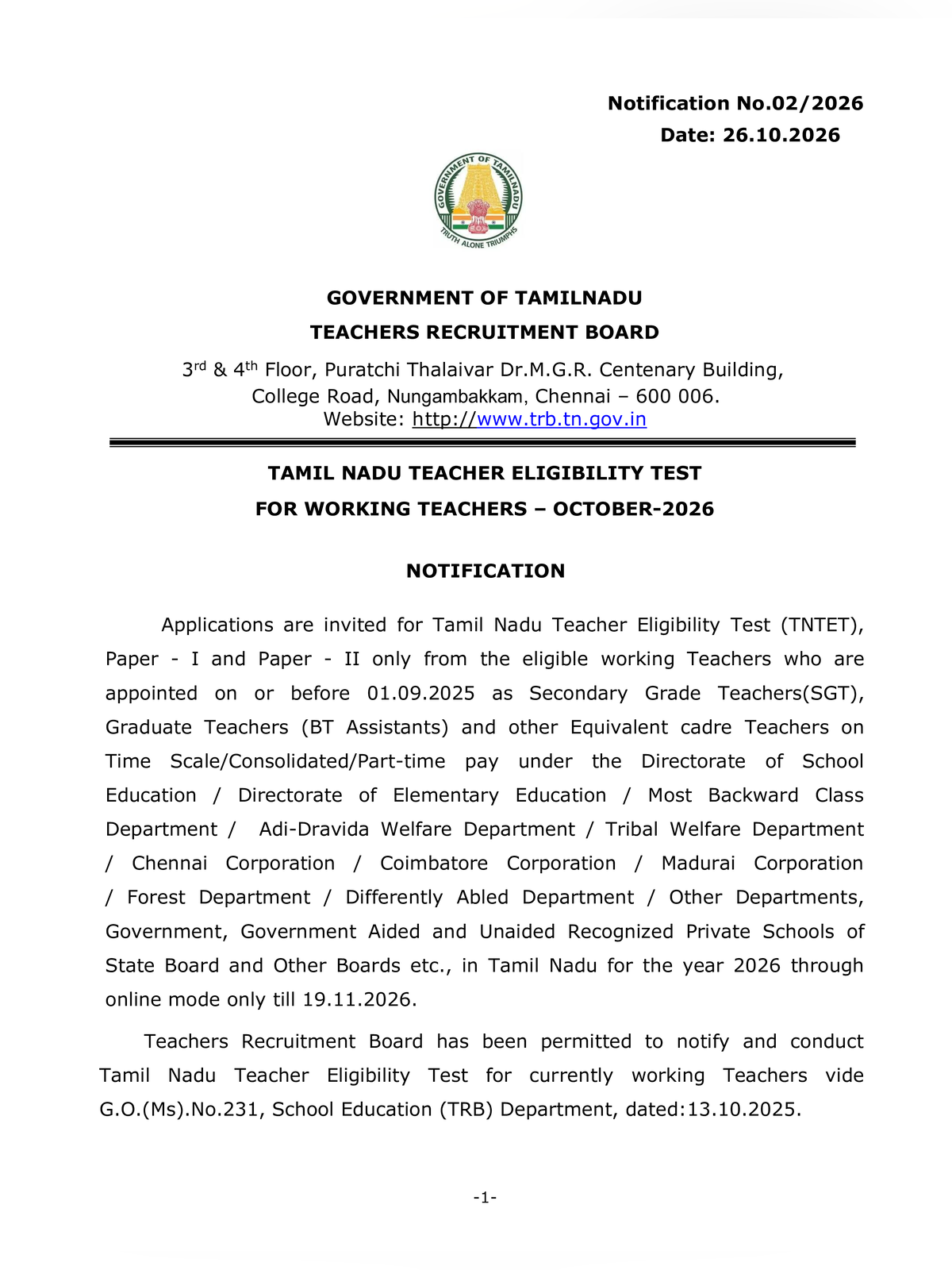
TNTET Notification 2026 has been issued by Teachers Recruitment Board (TRB), Government of Tamil Nadu, under Notification No. 02/2026. The notification invites online applications for Tamil Nadu Teacher Eligibility Test 2026 for Paper 1 (classes 1 to 5) and Paper 2 (classes 6 to 8).
Candidates can submit online applications on the official TRB website trb.tn.gov.in from 27 October 2026 to 19 November 2026 until 5:00 PM. The board will conduct the written examination on 20 December 2026, with Paper 2 in the morning session and Paper 1 in the afternoon session. Candidates can also check the previous year TNTET Notification 2025 or review the TET exam question paper for preparation.
TNTET 2026 Notification Highlights
| Detail | Information |
|---|---|
| Recruitment Board | Teachers Recruitment Board (TRB), Tamil Nadu |
| Exam Name | Tamil Nadu Teacher Eligibility Test (TNTET) 2026 |
| Notification Number | 02/2026 |
| Application Start Date | 27 October 2026 |
| Last Date to Apply | 19 November 2026 (5:00 PM) |
| Correction Window | 20 November to 22 November 2026 |
| Exam Date | 20 December 2026 |
| Application Fee | ₹600 for General / BC / MBC; ₹300 for SC / ST / PwD |
| Official Website | trb.tn.gov.in |
Eligibility and Application Steps
Applicants for Paper 1 must hold a Diploma in Elementary Education (D.El.Ed) or equivalent qualification. Paper 2 applicants require a graduation degree with Bachelor of Education (B.Ed). Candidates applying for both papers must submit separate online forms and pay individual fees.
STEP 1 – Open the official TRB portal trb.tn.gov.in and click on the TNTET 2026 application link.
STEP 2 – Register using a valid email address and mobile number to generate login credentials.
STEP 3 – Fill your personal details, educational qualifications, and select Paper 1, Paper 2, or both.
STEP 4 – Upload scanned copies of your photograph, signature, and community certificate.
STEP 5 – Pay the exam fee online through net banking, debit card, or credit card and download the receipt.
STEP 6 – Submit the form and save a printed copy of the final application for verification.