CEO Punjab Voter List 2026 - Summary
Punjab CEO (Chief Electoral Officer) has published the SIR Final Voter List Punjab 2026 from the official website ceopunjab.gov.in or you can directly download it from the procedure mentioned in this article.
In this Votor list people can check their name in the PDF Electoral Rolls, final name online and download Voters ID Card at ceopunjab.nic.in.
Online Process to Download Punjab Voter List 2026 PDF with Photo from Official Portal
Below is the complete procedure to find your name in the Punjab CEO Voters List with Photo and download the complete PDF electoral rolls:-
STEP 1: Visit the official website of CEO Punjab at ceopunjab.nic.in
STEP 2: Click on the “Final Roll 2026” on the homepage as shown in below screenshot.

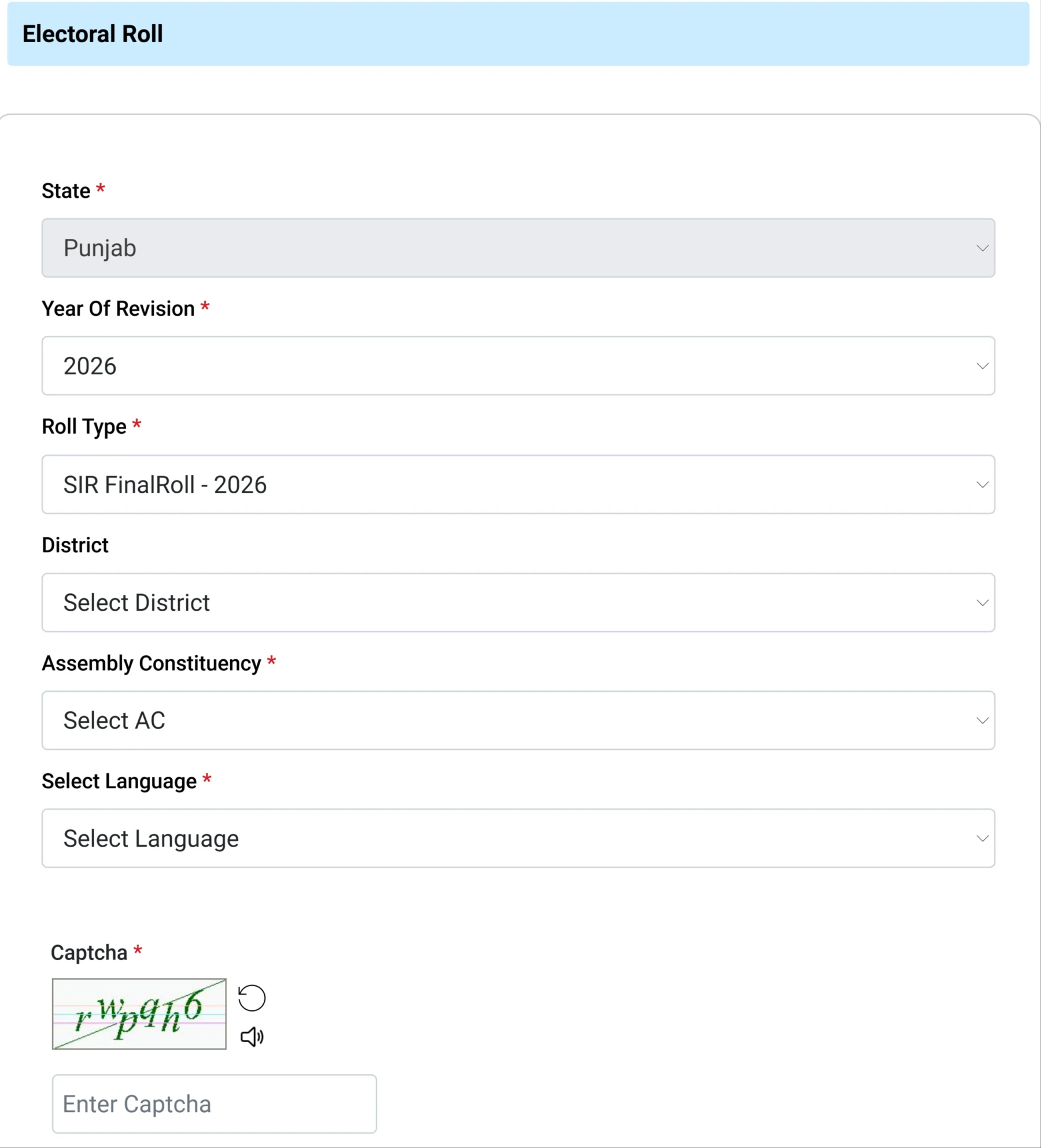
STEP 3: On the next page you have to select “Punjab” in state field, “2026” in year field, “FinalRoll-2026” in Roll Type, your district name in district field, your assembly constituency and language in their respective fields as shown in below image.
STEP 4: Now on your screen, the list of polling stations / part numbers will be displayed, select your polling booth or area and then click on the button to download the selected PDFs.
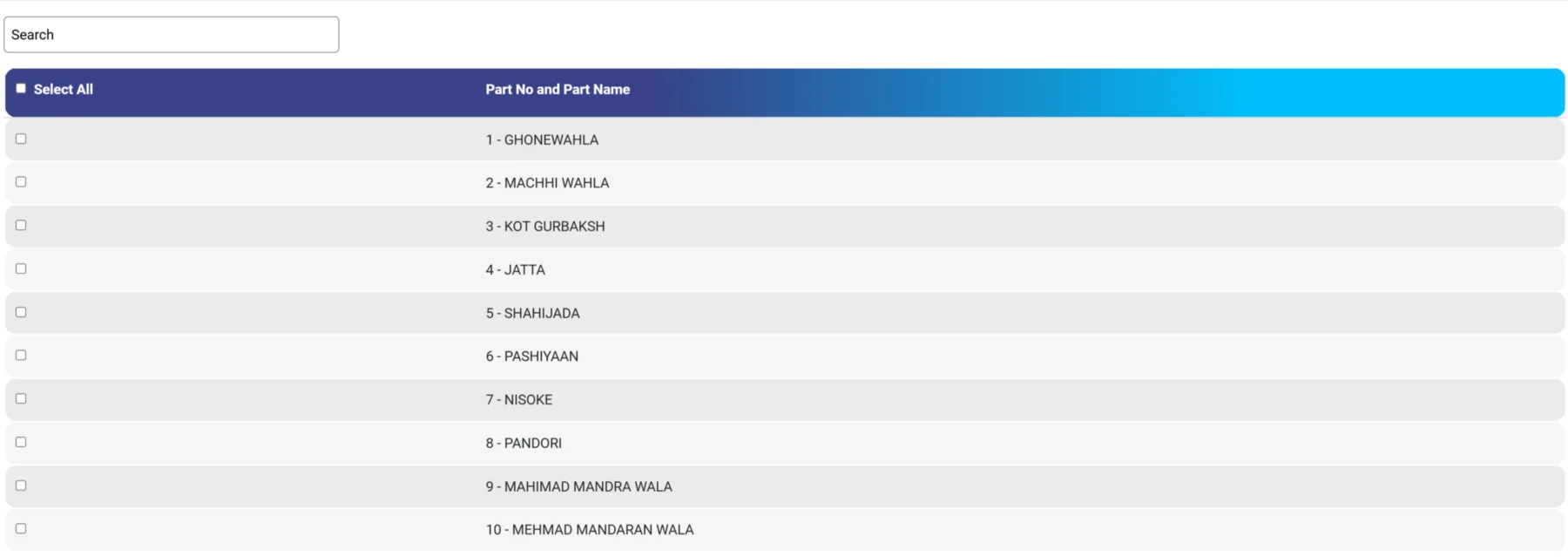
STEP 5: Wait for the Download Progress to complete. All selected PDFs will download automatically

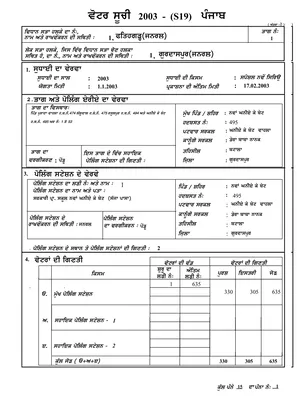
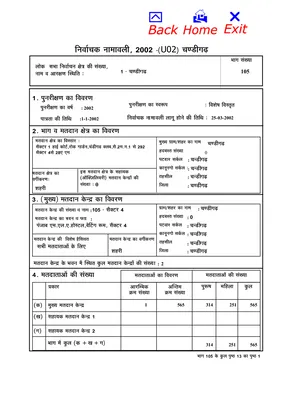
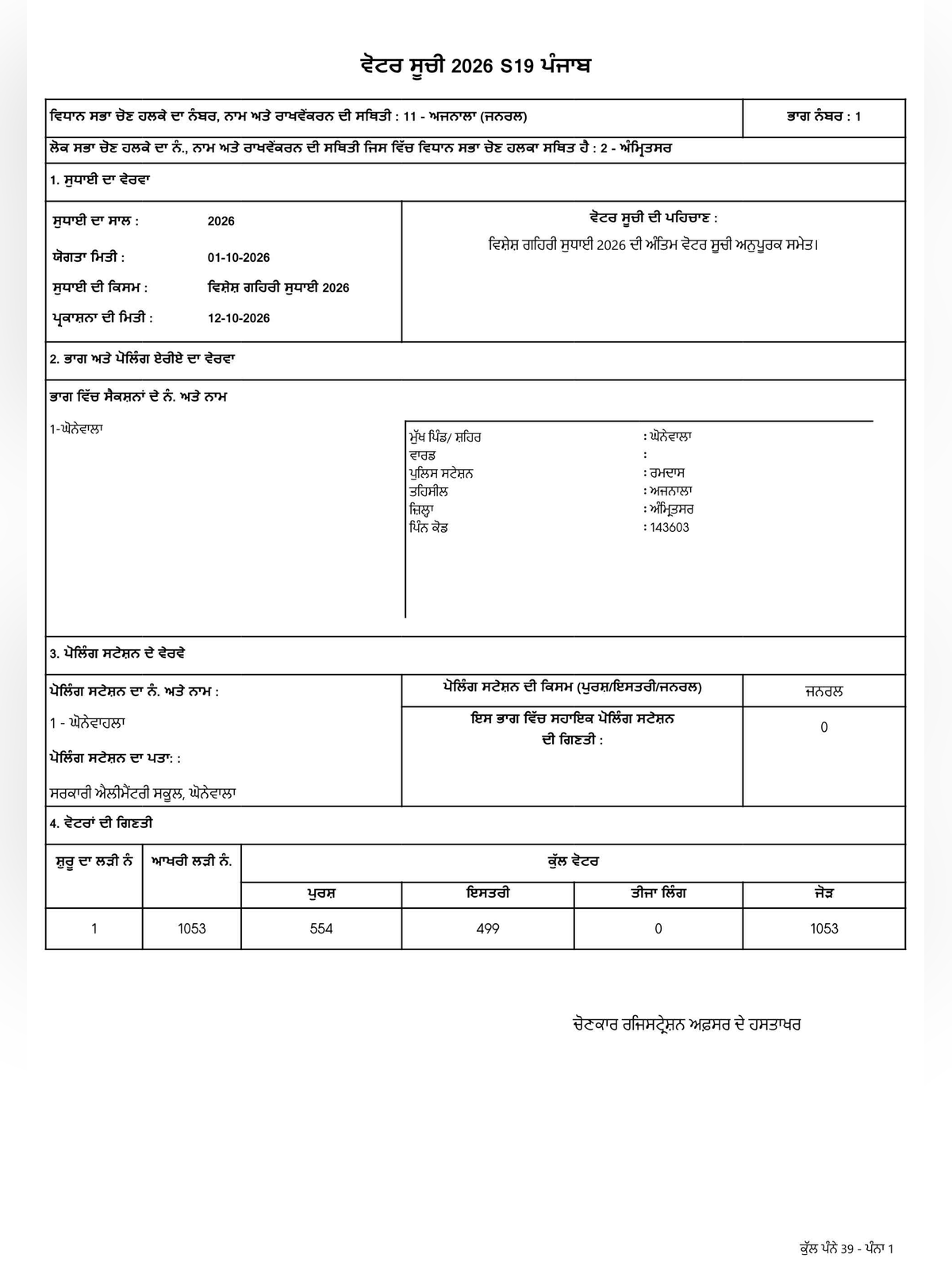
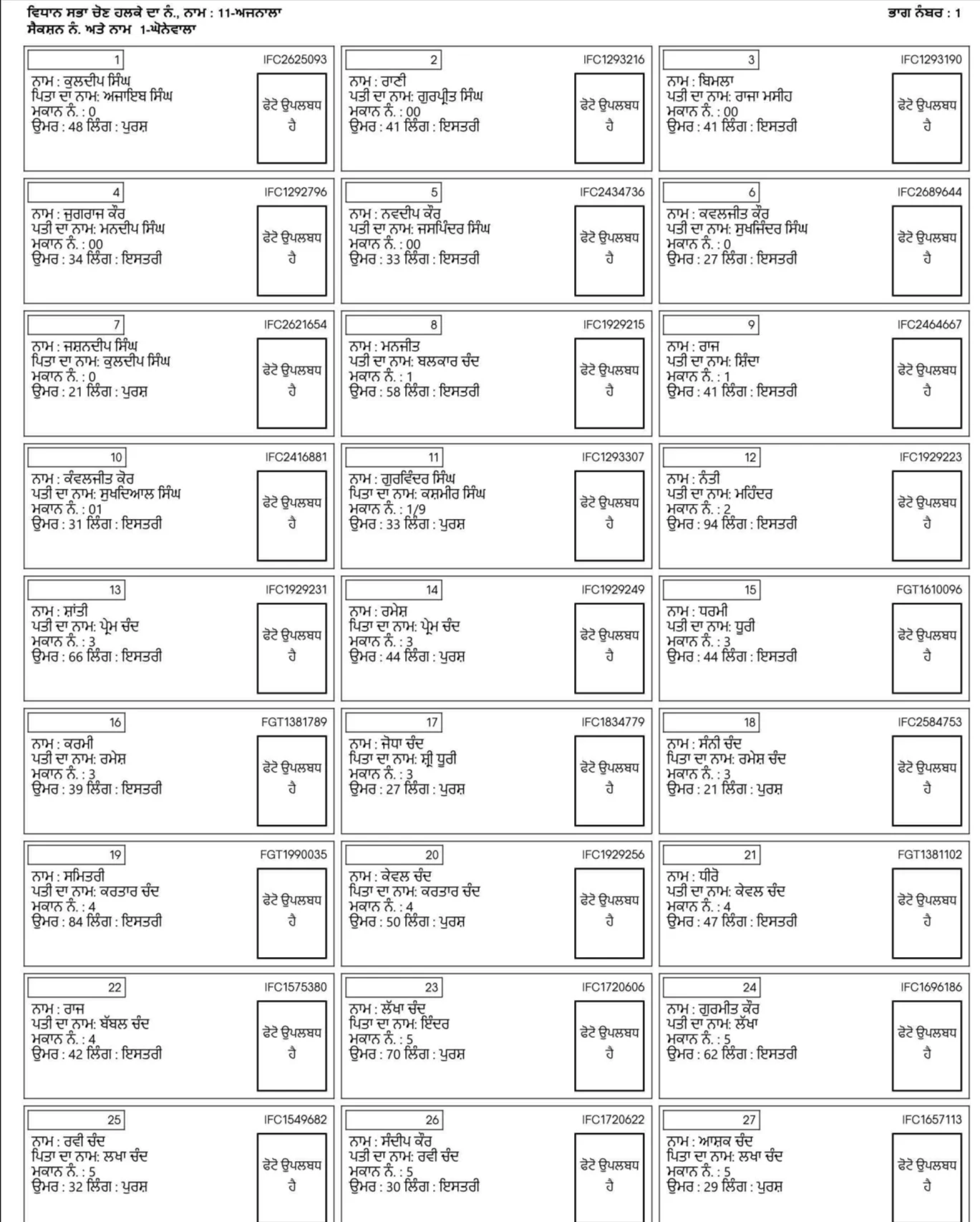
STEP 6: Save the downloaded final 2026 voter list PDF of Punjab on your mobile or computer, which will look like below.
Punjab Voters Toll Free Helpline
Tell. Off: Call 1950(For Enquiry), 0172-2704701
Fax: 0172-2707970
Email: dyceo[at]punjab[dot]gov[dot]in