Form 13 - Summary
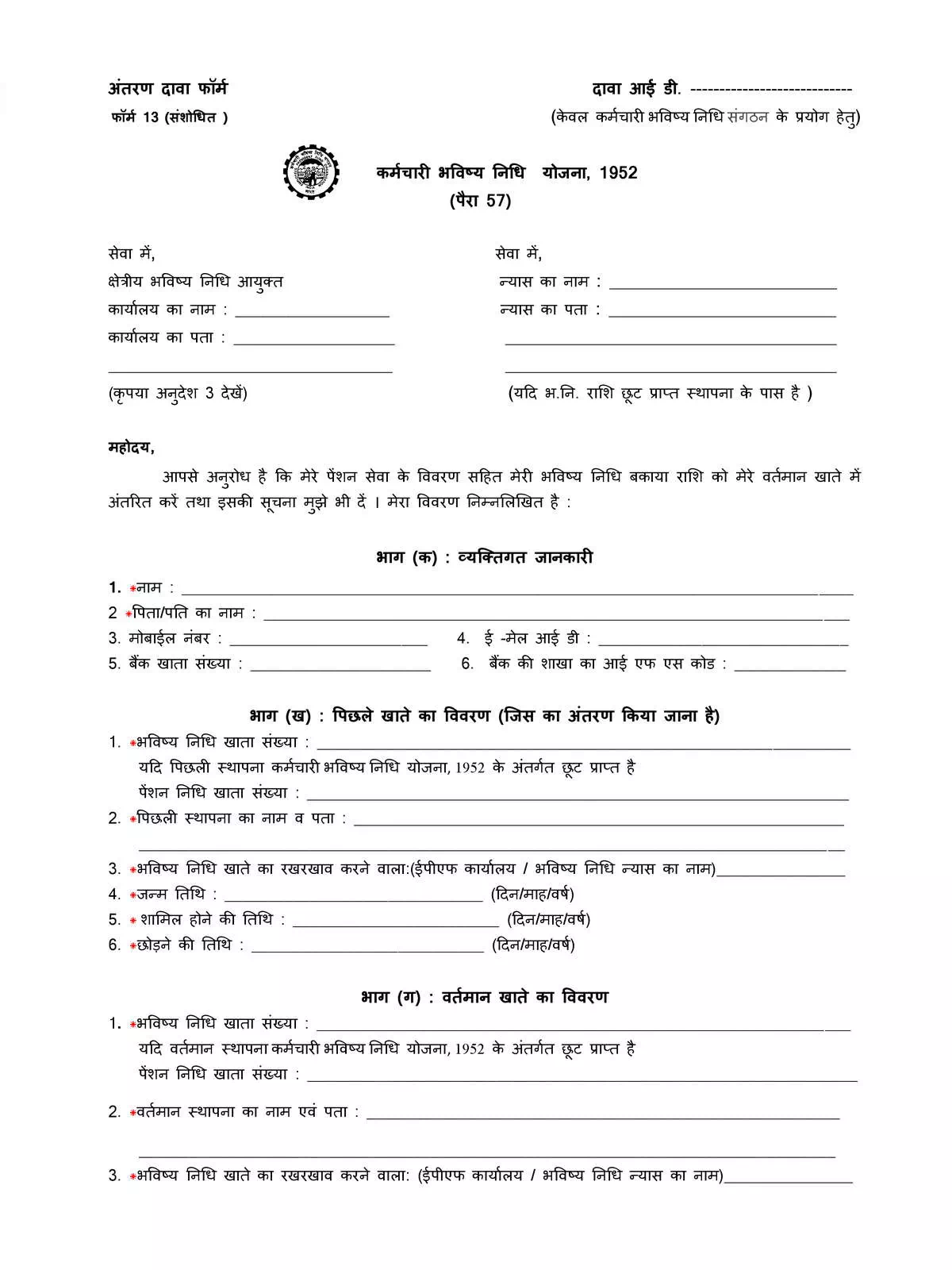
PF Form 13 is a form used to transfer your Provident Fund (PF) money from your old job to your new job. When an employee changes companies, this form helps move the PF balance so it stays in one account. Using PF Form 13 makes sure your savings continue without any break and remain safe under your new employer.
Essential Details in PF Transfer Form 13
Here’s what you need to provide:
- Personal Information of the Applicants
- Details of the previous account to be transferred
- Details of the Present Account
- Any Other Information
Eligibility Criteria for PF Transfer
Make sure you meet the requirements below to apply successfully:
- The member must have activated their UAN in the UAN portal, and the mobile number used for activation should be active.
- The employee’s bank account and IFSC code should be linked to the UAN. While seeding the Aadhaar number and PAN is important, it is not mandatory for raising transfer claims.
- The employer must have approved the e-KYC.
- The previous/current employer must have digitally registered authorized signatories in the EPFO.
- PF account numbers from both previous and current employments should be correctly entered in the EPFO database.
- Only one transfer request against the previous member ID can be accepted.
- Personal and PF account-related information must be accurate as per EPFO records.
How to Apply Online for PF Transfer
You can also apply for PF transfer online through the EPFO website at this link: EPFO Member Interface.
Contact Details for Assistance
If you face any issues related to the UAN Member Portal, you can reach out using the following methods:
Help Desk – 1800 11 8005
Timing – 9:15 AM to 5:45 PM
Website – www.epfindia.gov.in
For your convenience, don’t forget to download your PF Transfer Form 13 PDF!