AP Meeseva Ration Card Member Addition Form (Child Birth) - Summary
| Andhra Pradesh Ration Card (Rice Card) Services – Key Highlights | |
|---|---|
| State | Andhra Pradesh |
| Department | Department of Consumer Affairs, Food & Civil Supplies |
| Service Centers | Grama / Ward Sachivalayam (GSWS) & MeeSeva Centers |
| Card Variants | Rice Card (White / BPL Subsidised), Pink Card (Non-Subsidised) |
| New Technology | Smart QR-Coded Cards & e-PoS Biometric Authentication |
| Mandatory Verification | Aadhaar Seeding & Biometric e-KYC for all family members |
| Official Portals | epds2.ap.gov.in / aepos.ap.gov.in / vswsonline.ap.gov.in |
| Toll-Free Helpline | 1967 / 1800 425 2977 |
Latest Andhra Pradesh Ration Card (Rice Card) Guidelines & Updates
The Government of Andhra Pradesh has introduced modernized measures to enhance the Public Distribution System (PDS) and simplify ration card services across both rural and urban areas:
- Smart QR-Enabled Ration Cards: The state government is issuing modernized Smart Cards with secure QR codes to enable rapid biometric authentication at Fair Price Shops (FPS).
- Grama & Ward Sachivalayam Services: Citizens can access all key ration card services-including new Rice Card applications, member addition, member deletion, family migration, and address modification-through their nearest Grama Sachivalayam, Ward Sachivalayam, or MeeSeva center within a designated 21-day timeline.
- Mandatory Aadhaar e-KYC Verification: All registered family members must complete biometric e-KYC on electronic Point of Sale (e-PoS) devices to ensure continuous subsidy distribution and eliminate duplicate entries.
- Universal Subsidized Rice Distribution: In line with state welfare measures, verified Aadhaar card holders can access essential food grains at government-subsidized rates.
- Online Application & Status Tracking: Beneficiaries can check their AP Ration Card status and verify Rice Card e-KYC status online through the AePDS portal (aepos.ap.gov.in) or track service requests via the AP Seva portal (vswsonline.ap.gov.in).
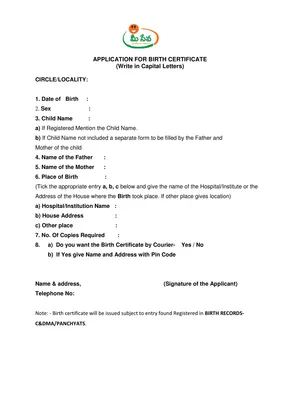
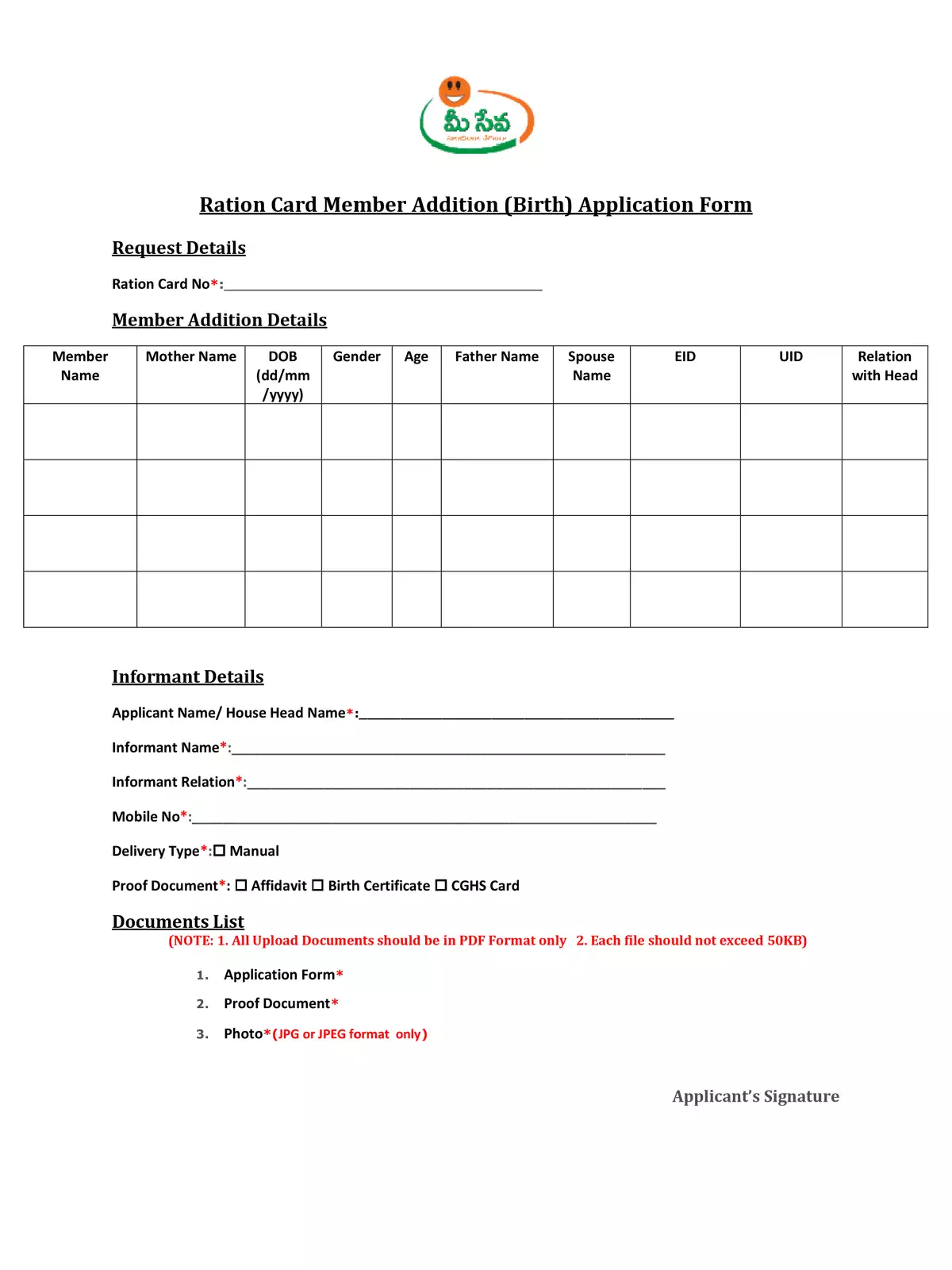
AP Meeseva Ration Card Member Addition (Birth) Form
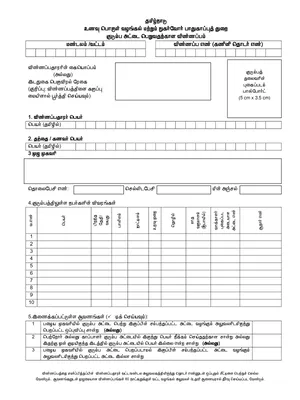
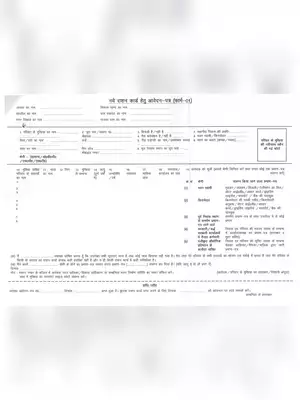
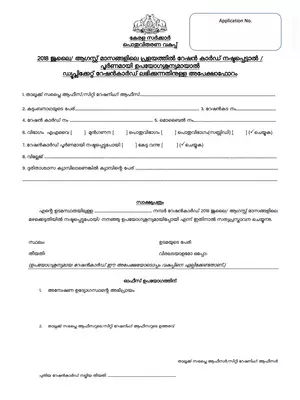
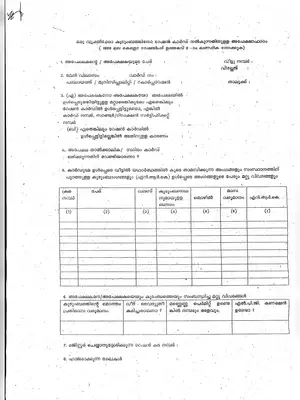
If you’re looking to add a new member or newborn child to your AP Meeseva Ration Card, you’ve come to the right place! This guide will help you understand the process effortlessly. You can download the PDF version of this form below for quick submission.
Steps to Add a New Member
Follow these simple steps to ensure that the addition of a new member to your ration card is smooth:
- Visit the nearest Grama/Ward Sachivalayam or MeeSeva center and collect or submit the Member Addition Form.
- Carefully fill in all the required details, and mention the reason for adding the new person (such as child birth or marriage) along with your relationship to them.
- Gather and attach all necessary documents, including the Child Birth Certificate, Mother’s and Father’s Aadhaar Cards, and existing Ration Card copy.
- Submit the completed application along with the prescribed MeeSeva service fee and retain the acknowledgement slip to track your service request status online.
By following these steps, you can easily add a new member to your AP Ration Card / Rice Card.