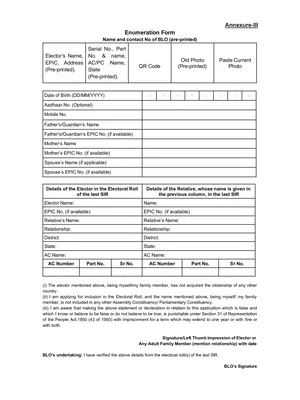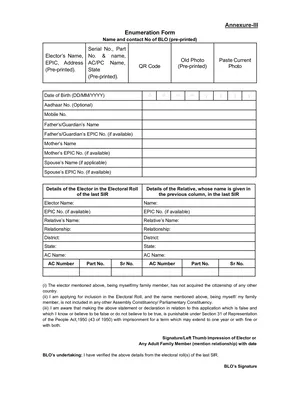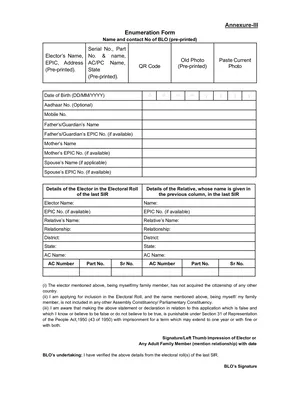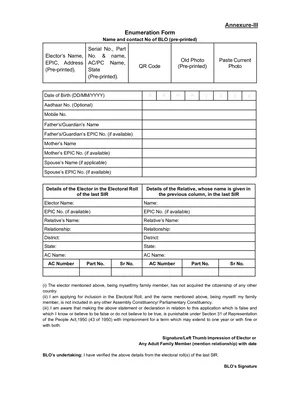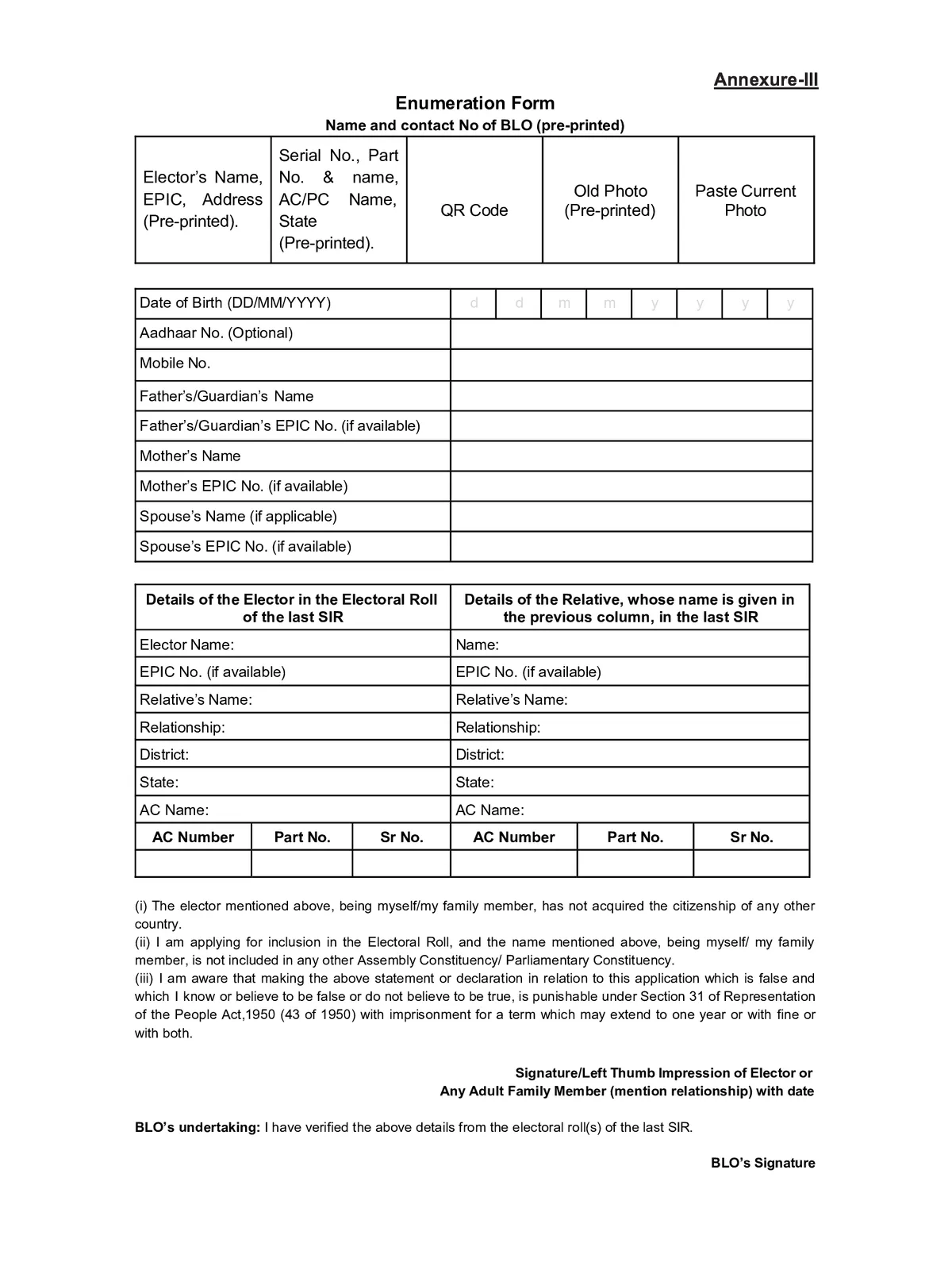
SIR Form 2026 – How to Fill the Voter Enumeration Form Online & Offline - Summary
Election Commission of India (ECI) allows eligible voters to update, verify, and complete their voter registration details through the Special Summary Revision (SIR) process. If you need to submit your SIR Form for 2026, you can complete the enumeration process either online via the ECI portal or offline with the help of your local Electoral Registration Officer/BLO.
Here is a step-by-step guide on how to fill out the form, choose the correct applicant category, and submit the required documentation.
Overview of SIR Form Submission
| Detail | Info |
| Official Portal | voters.eci.gov.in |
| Service Name | Fill Enumeration Form (SIR Form 2026) |
| Primary Identifier | EPIC Number (Voter ID) / Mobile Number |
| Verification Method | OTP Verification & Aadhaar Authentication |
| Alternative Method | Doorstep assistance via Booth Level Officer (BLO) |
Prerequisites Before Filling the Form
Before starting the online application, ensure you have the following ready:
- An active mobile number registered with your EPIC or ready for registration.
- Your EPIC Number (Voter ID).
- Your Aadhaar Number (for voluntary identity verification).
- Digital copies of relevant date/place of birth proof documents.
How to Fill SIR Form 2026 from voters.eci.gov.in
STEP 1: Visit the official ECI website voters.eci.gov.in
STEP 2: On the Homepage, you will find the “Fill Enumeration Form” as shown in below screenshot.

STEP 3: After clicking the link, enter your Mobile Number or EPIC Number, fill in the captcha code, and click on “Request OTP”. Then enter the OTP sent to your registered mobile number to log in, as shown below. If your mobile number is not registered on the ECI portal, click on the “Sign Up” button and complete the registration process first.

STEP 4: After logging in successfully, select your state from the list of available states. Then enter your EPIC (Voter ID) number and click on search button.

STEP 5: After that, your pre-filled voter details will be displayed on the screen. Enter your mobile number and click on the “Send OTP” button. Then enter the OTP received on your mobile number to verify and continue.

STEP 6: CHOOSE CATEGORY
- My Name exists in Electoral Roll of Last SIR
- My Parents name( Father, Mother, Grandfather, Grandmother) exists in the electoral roll of last SIR
- Neither my name nor my parents name exists in the electoral roll.

STEP 7: Give Relative details if name not present in Last SIR

STEP 8: Now you have to do the Aadhaar verification

How to Submit SIR Form Through BLO?
Step 1: Go the official website of ECI https://voters.eci.gov.in
Step 2: On the homepage of the website you have to click on “Book a Call with BLO”

Step 3: Then you have to enter your mobile number to login. After that you have to enter your EPIC number and click on search button.

Step 4: Now you request has been registered and BLO will reach your home fill the SIR form at your residence.
Required Documents for SIR Form 2026
1. Born in India Before July 1, 1987
Provide any one valid document for Self establishing date and place of birth:
- Birth Certificate issued by a competent municipal/local authority.
- Indian Passport.
- Matriculation / School Leaving Certificate.
- Aadhaar Card / PAN Card / Government Identity Card.
Provide two sets of documents:
2. Born in India Between July 1, 1987, and December 2, 2004
- One document for Self (Birth Certificate, Passport, School Certificate, etc.).
- One document for Father or Mother establishing their date and place of birth in India.
3. Born in India After December 2, 2004
Provide three sets of documents:
- One document for Self.
- One document for Father.
- One document for Mother. (Note: If either parent is a foreign national, attach a copy of their valid Passport and Visa active at the time of your birth).
4. Born Outside India
- Proof of Birth Registration issued by the relevant Indian Mission / Embassy abroad.
5. Acquired Citizenship by Registration / Naturalization
- Official Certificate of Registration of Citizenship issued by the Ministry of Home Affairs.