UPSC CSE Notification 2026 - Summary
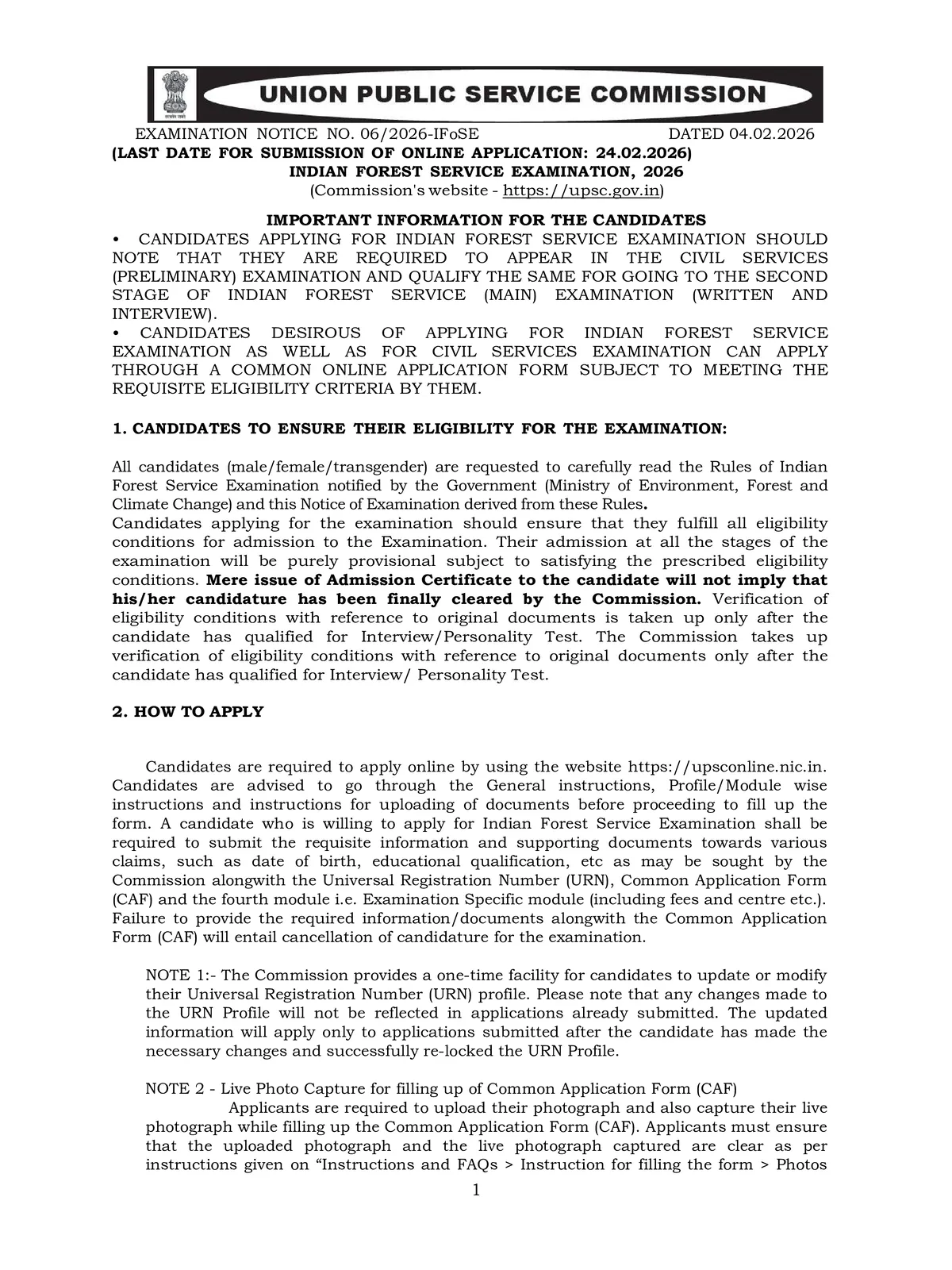
UPSC Notification 2026 PDF released by the Union Public Service Commission from the official portal. Candidates are required to apply online by using the website https://upsconline.nic.in.
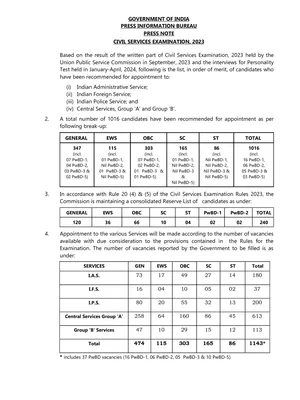
The notification provides important information, including exam dates, eligibility criteria, vacancies, application fee, and exam pattern. Aspirants are advised to keep all necessary documents, photographs, and scanned signatures ready for a smooth online application process. As per the official UPSC Notification 2026, the UPSC has released 933 vacancies.
Also See – UPSC Syllabus 2026 PDF
UPSC Notification 2026 Overview
| Highlights | Details |
| Exam Conducting Body | Union Public Service Commission |
| Posts | Group A and Group B Services |
| Popular Services | IAS, IPS, IFS, and IRS |
| Application Start Date | 04 February 2026 |
| Application End Date | 24 February 2026 (18:00) |
| Level of Exam | National |
| Frequency of Exam | Annual |
| Exam Stages | Prelims, Mains, and Interview cum Personality Test |
| Language of Exam | English & Hindi |
| Official Website | https://upsc.gov.in and upsconline.nic.in |
| Exam Help Desk | Telephone: 011-23385271 / 011-23381125 / 011-23098543 (on working days between 10:00 hrs and 17:00 hrs) |
Also See – UPSC Prelims Question Paper PDF
UPSC Notification 2026 Important Dates
| Event | Important Dates |
| UPSC Notification Release | 4th February 2026 |
| UPSC Application Start Date | 4th February 2026 |
| UPSC Notification 2026 Last Date to Apply | 24th February 2026 (18:00) |
| UPSC Prelims Exam | 24th May 2026 |
| UPSC Mains Exam | 21st August 2026 |
| Interview / Personality Test | To Be Announced |
How to Fill UPSC Application Form 2026 Online?
Filling the UPSC Application Form 2026 is completely online and must be done by following the simple steps provided below. Candidates should carefully follow each step to ensure a smooth registration process.
Step 1 – Visit the Official Website: Go to the official UPSC website or the UPSC Online Recruitment Application (ORA) portal. Click on the direct link to start the registration process.
Step 2 – Online Registration (Part I): Fill in all personal information, including name, age, address, and contact details. Ensure that the details match official documents.
Step 3 – Corrections in Online Application: Carefully review all the entered information before submission. Once submitted, corrections cannot be made, so double-check all fields.
Step 4 – Uploading of Documents (Part II): Upload educational certificates, ID proof, photograph, and signature (JPG format). Provide details of age relaxation, if applicable, and payment confirmation.
Step 5 – Selection of Exam Centre: Choose the preferred exam center from the available options.
Step 6 – Final Submit: Click the “I Agree” button to submit the application form. Note down the Registration Number for future reference and take a printout of the completed form.