SIR Form Kerala - Summary
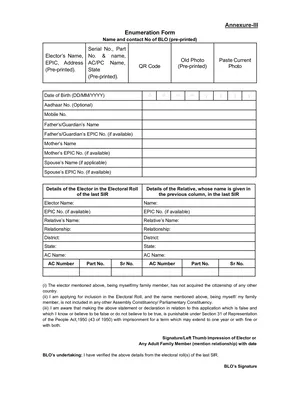
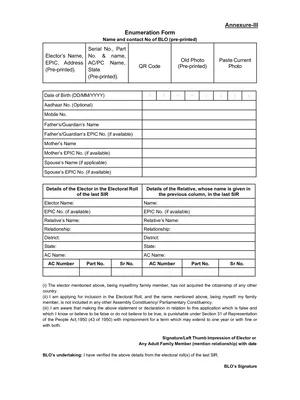
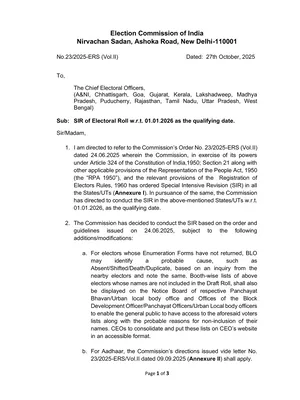
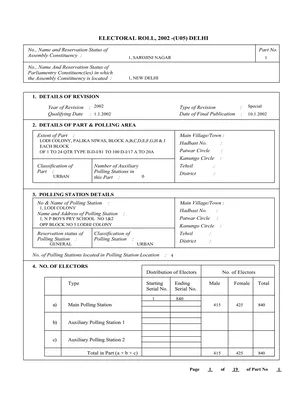
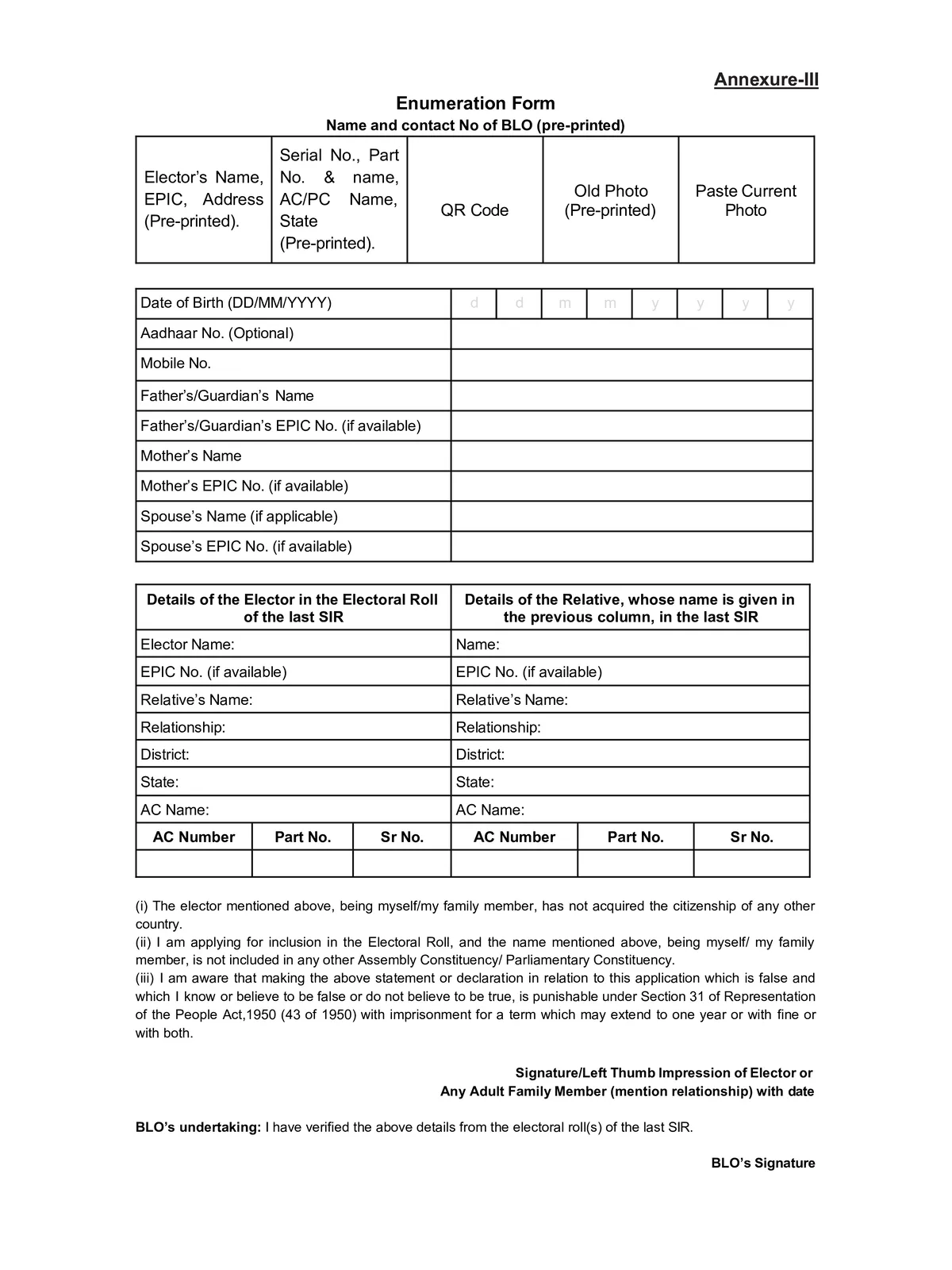
SIR Form is a vital document used during the Election Commission’s door-to-door verification campaigns and online enrollment drives to update voter lists nationwide. During SIR, which specifically targets comprehensive electoral roll verification and cleaning.
In this form you have to enter the key details such as name, date of birth, address, EPIC number (Electors Photo Identity Card), and other identity proofs like Aadhaar or birth certificates.
How to fill the online enumeration form
Follow these steps to fill the form online:
- Go to the website voters.eci.gov.in.
- Scroll down and click “Fill Enumeration Form” under the SIR 2026 section.
- If you are an Indian voter, enter your mobile number and the captcha, then log in with the OTP sent to your phone.
- If you are an NRI voter, enter your email address, select “Indian Overseas Elector”, and log in.
- Click on “Fill Enumeration Form” again.
- Select your state and enter your voter ID number.
- Your basic details like name and serial number will appear on the screen.
- Enter your mobile number and OTP again, then choose what you want to do (add name, correct details, etc.).
- Fill the form carefully with correct information.
- After completing it, click Submit.
How to submit the SIR Form Offline
- A Booth Level Officer visits households as part of SIR, distributing Enumeration Forms and assisting voters in filling them out.
- Voters complete information such as name, address, relationship details, and attach necessary identification copies.
- Forms are handed back to BLOs during these visits or submitted at designated local offices.
- BLOs verify submitted data during field visits or back at the electoral office before uploading to the central database