Form 10F Income Tax - Summary
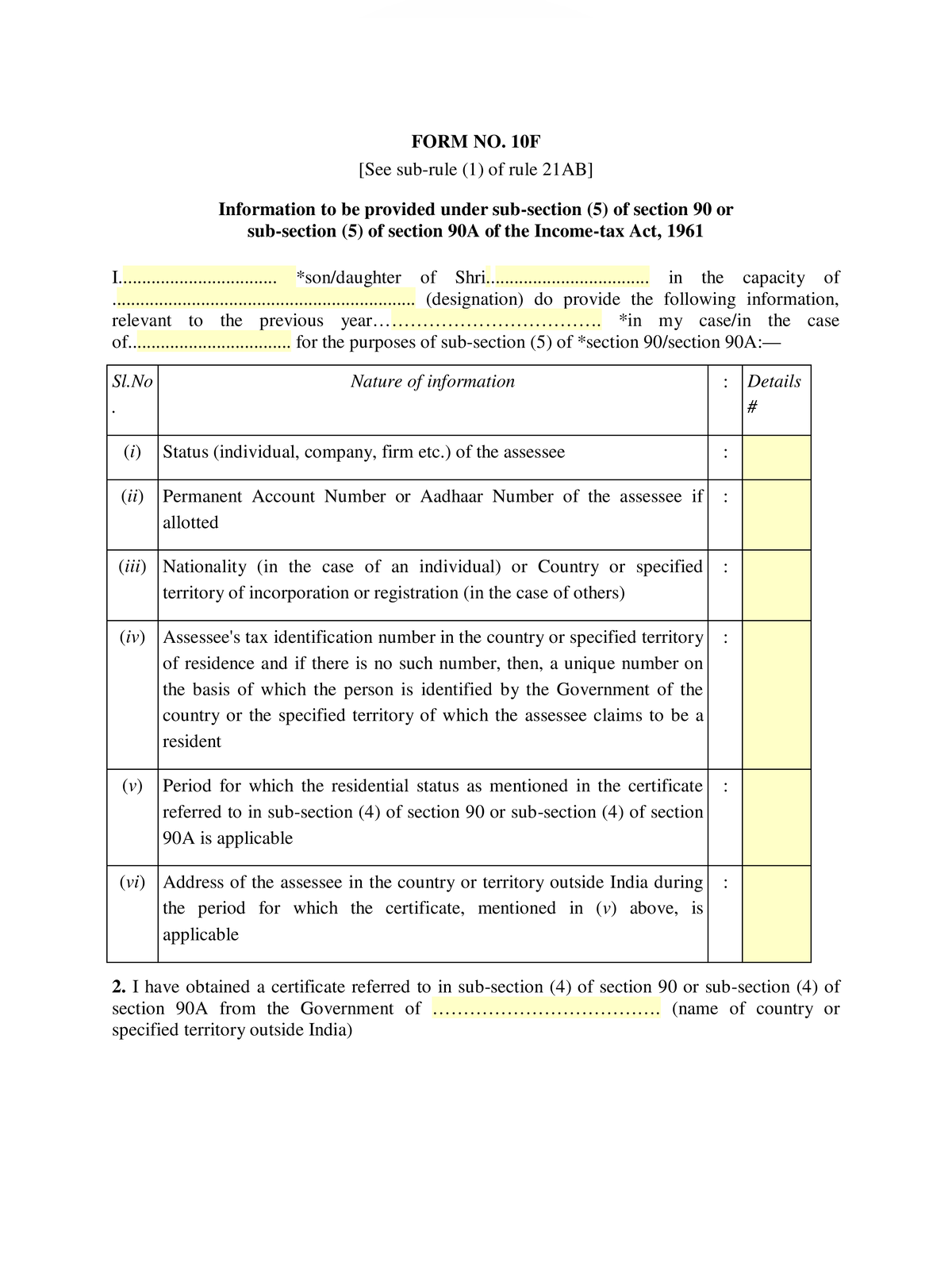
Form 10F Income Tax PDF is the statutory self-declaration issued by Income Tax Department under Rule 21AB of the Income-tax Rules, 1962. Non-resident taxpayers, foreign companies, and non-resident Indians submit this form to claim relief from double taxation under Section 90 and Section 90A of the Income-tax Act, 1961.
The declaration is required when the Tax Residency Certificate issued by the home country government does not contain all statutory particulars required under Indian tax rules. Taxpayers submit Form 10F electronically on the official portal incometax.gov.in to enable payers to apply lower tax withholding rates under Double Taxation Avoidance Agreements.
Form 10F Income Tax Overview
| Detail | Information |
|---|---|
| Form name | Form 10F |
| Issuing authority | Income Tax Department, Government of India |
| Relevant provision | Section 90(5), Section 90A(5), and Rule 21AB |
| Applicable taxpayers | Non-residents and foreign companies |
| Purpose | Claiming DTAA treaty benefits and lower TDS deduction |
| Mandatory document | Tax Residency Certificate (TRC) |
| Filing mode | Online on income tax e-filing portal |
| Official portal | incometax.gov.in |
Information required in Form 10F declaration
Applicants must furnish these specific particulars in the declaration:
- Legal status of the assessee such as individual, company, or firm.
- Nationality of the individual or country of incorporation for corporate entities.
- Tax Identification Number or unique taxpayer number issued by the home government.
- Period of tax residency covered by the Tax Residency Certificate.
- Residential address of the taxpayer in the foreign country outside India.
How to file Form 10F online on Income Tax Portal
Follow these steps on the e-filing portal to complete the submission:
STEP 1 – Log in to incometax.gov.in using your Permanent Account Number or registered foreign user credentials.
STEP 2 – Navigate to e-File, select Income Tax Forms, and click on File Income Tax Forms.
STEP 3 – Locate Form 10F under persons not dependent on any source of income and click File Now.
STEP 4 – Select the relevant assessment year and choose the filing status.
STEP 5 – Enter your foreign address, tax identification number, and upload a copy of the Tax Residency Certificate.
STEP 6 – Preview the declaration and verify the submission using a digital signature certificate or electronic verification code.
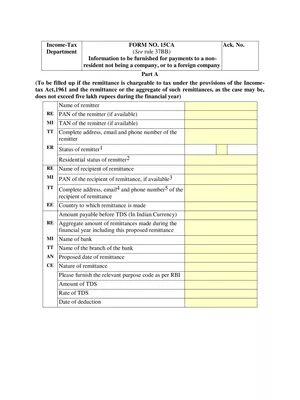
Taxpayers claiming overseas tax relief can also examine Form 67 Income Tax for foreign tax credits and Income Tax Form 15CA for foreign remittance declarations.