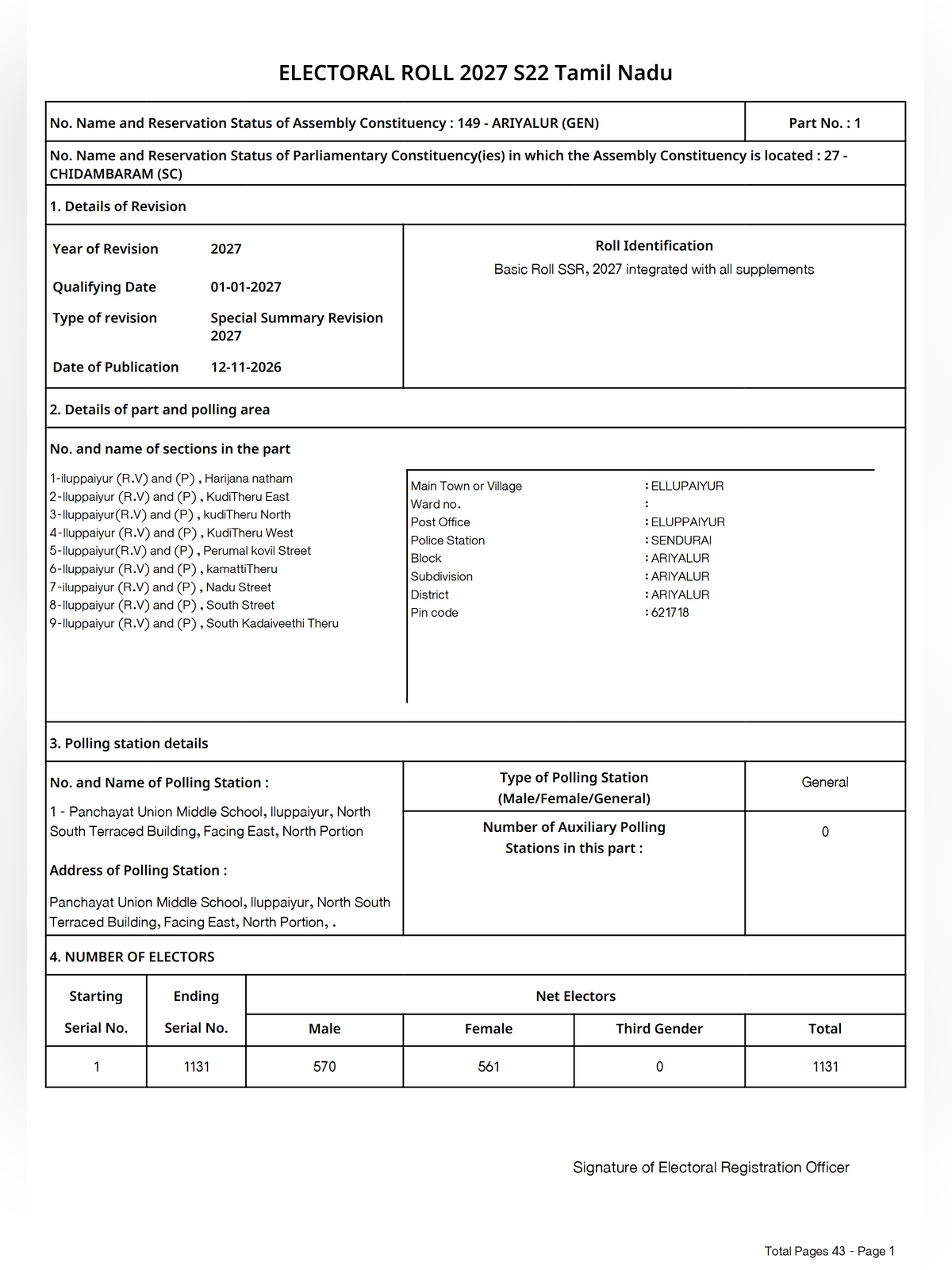
Voter List 2027 - Summary
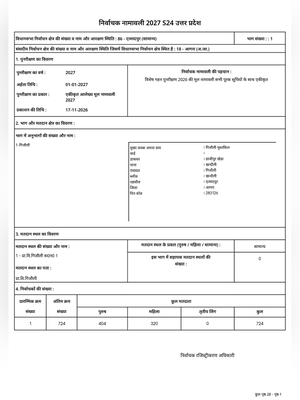
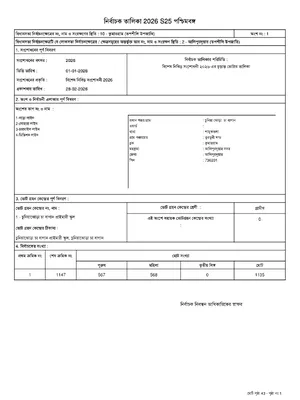
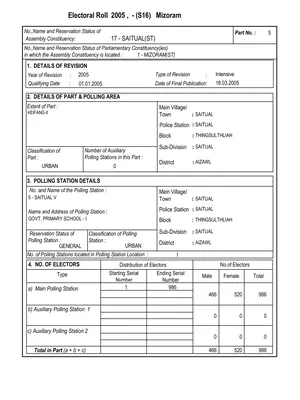
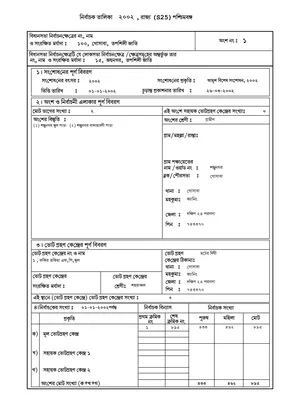
Voter List 2027 is the official electoral roll published by Election Commission of India (ECI) for nationwide parliamentary and assembly constituencies under the Special Summary Revision (SSR) 2027. Prepared with 1 January 2027 as the primary qualifying date, it lists registered electors across polling stations and booth locations in all States and Union Territories.
Chief Electoral Officers (CEO) in every state release both draft and final electoral roll PDFs on voters.eci.gov.in. Citizens turning 18 years of age on or before 1 January 2027, or on the subsequent quarterly dates of 1 April, 1 July, and 1 October 2027, can submit advance claims for voter registration.
Voters can also check state-specific updates in Voter List 2027 Uttar Pradesh
How to Download Voter List 2027 PDF from Official Portal
Citizens can download the assembly constituency and booth-wise draft electoral roll directly from the official ECI voter service portal. Follow these simple steps:
STEP 1: Visit the official Election Commission of India Voters Service Portal at voters.eci.gov.in or the CEO Uttar Pradesh portal at ceouttarpradesh.nic.in.
STEP 2: On the homepage, locate and click on the “Download Electoral Roll” link.

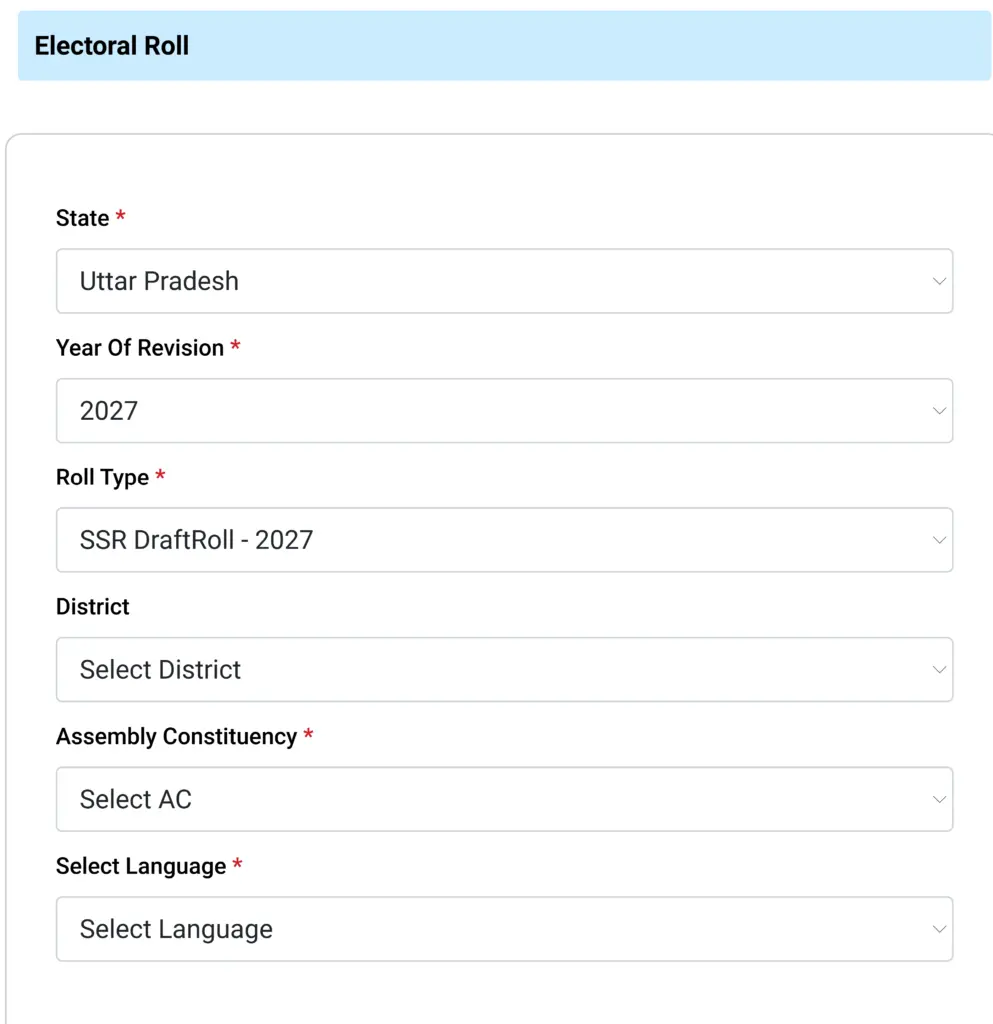
STEP 3: On the next screen, choose “Uttar Pradesh” from the State dropdown. Select “2026” as the Year of Revision, and pick “SSR DraftRoll – 2027” (or Special Intensive Revision Roll) as the Roll Type. Select your District, Assembly Constituency, and preferred Language (Hindi / Urdu / English) from their respective drop-down menus.
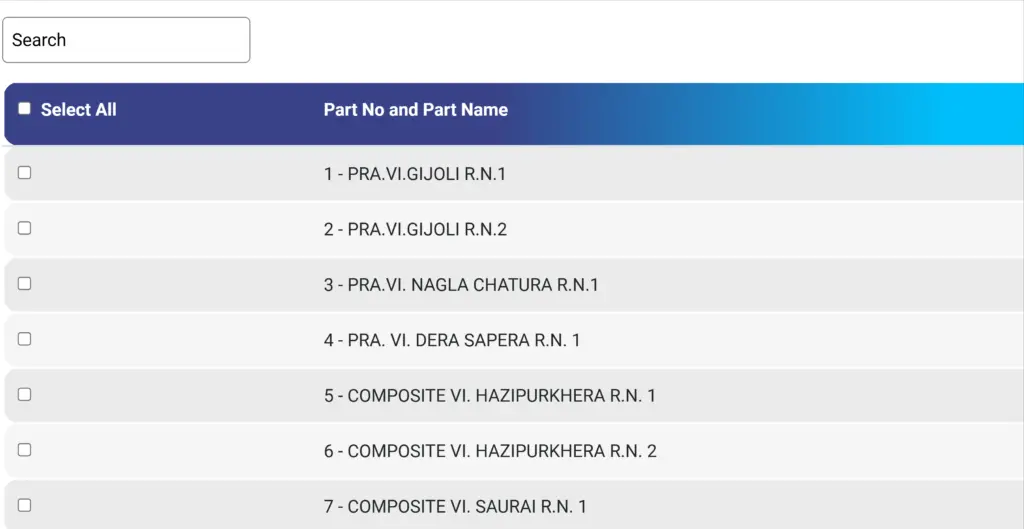
STEP 4: A comprehensive list of Polling Stations / Part Numbers for your assembly constituency will appear on your screen. Search for your locality, village, ward, or polling booth name and click the download button next to your polling station.
STEP 5: Enter the Captcha verification code displayed on your screen and confirm the download.
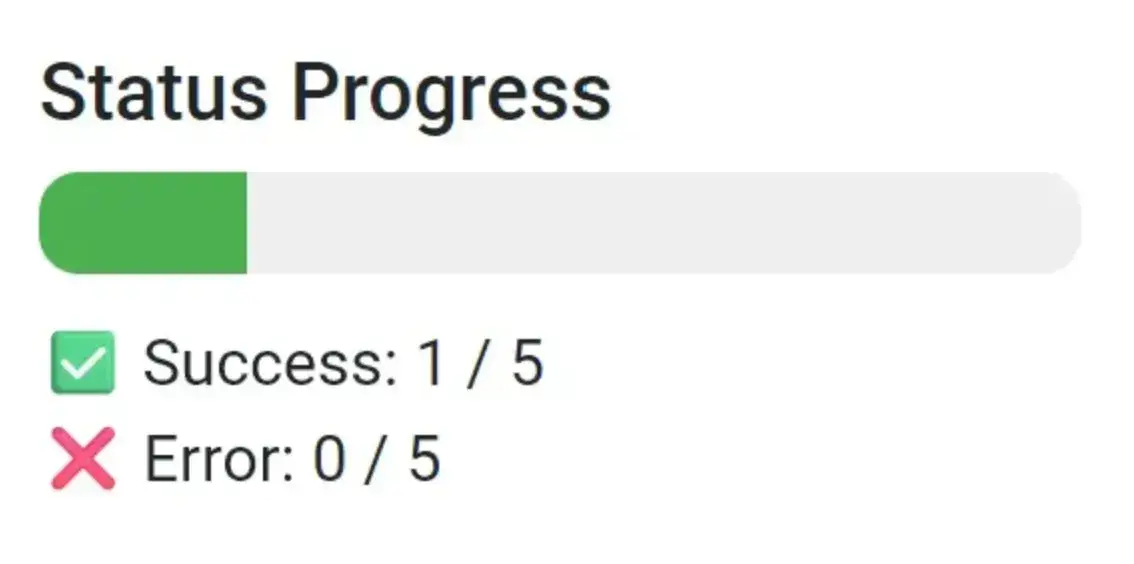
STEP 6: Wait for the download progress to complete. The selected PDF file will download directly to your mobile device or computer.
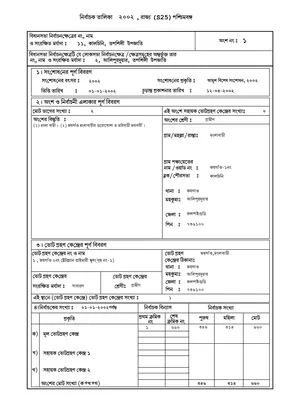
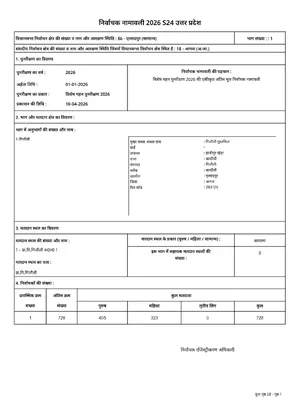
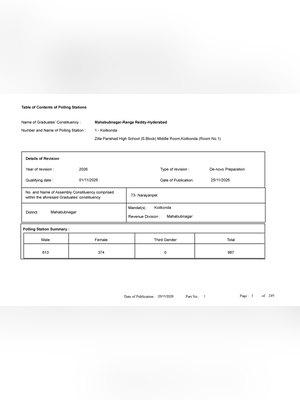
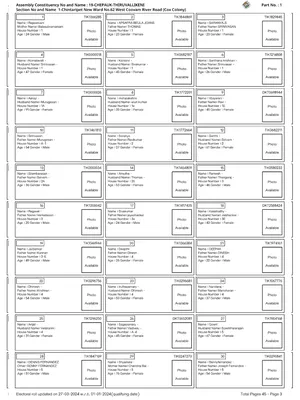
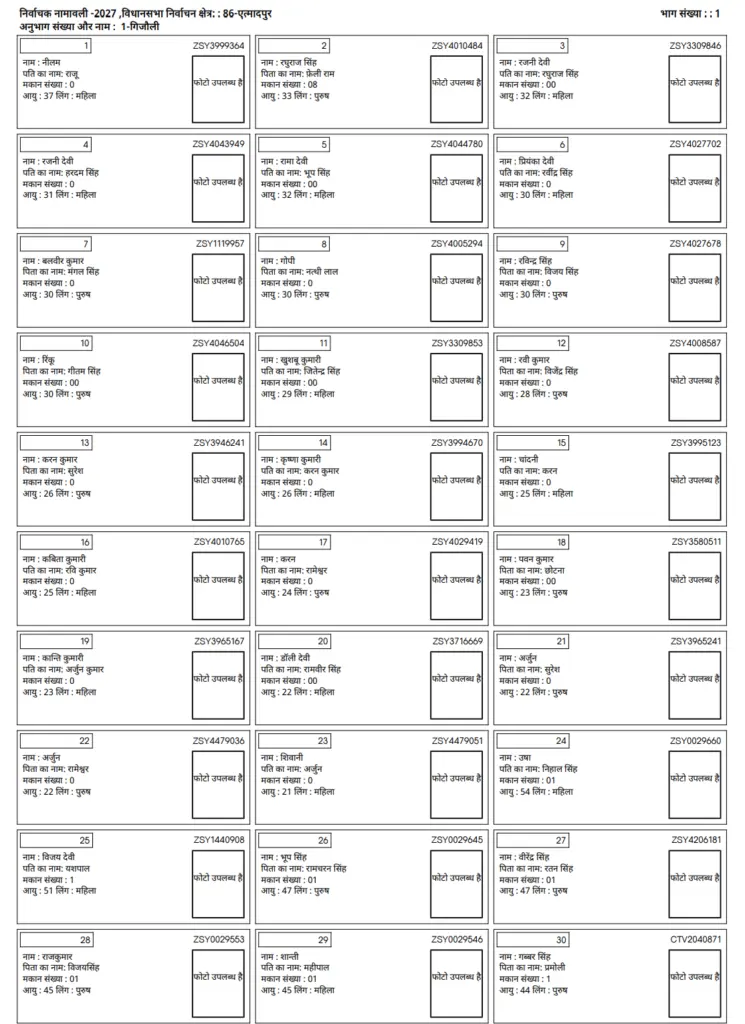
STEP 7: Open the downloaded draft voter list PDF to check your name, father’s/husband’s name, age, house number, and serial number in the voter list.
How to Check Your Name in Voter List 2027 PDF on voters.eci.gov.in
Search by EPIC number (Voter ID Card Number)
STEP 1: Open official ECI Voters portal at https://voters.eci.gov.in
STEP 2: At the homepage of the website you have to click on “Search Your Name in Voter List“

STEP 3: After that a new window is open in which you have to select “Search by EPIC“

STEP 4: Now enter full 10 digit EPIC number shown on voter ID, choose State with language and enter the mobile Number from dropdown

STEP 5: Then you have to enter Captcha exactly as shown and click SEARCH. If details match, voter record appears with polling station and part number.
Search by Details (Name, Relative and DOB)
STEP 1: Open official site at https://voters.eci.gov.in
STEP 2: At the homepage of the website you have to click on “Search Your Name in Voter List“
STEP 3: After that a new window is open in which you have to select “Search by Details“

STEP 4: Now Enter your Name, Relative’s Name, Date of Birth or Age, Gender. Select your state State, and optionally select District and AC from drop-downs and enter Captcha, then click SEARCH.

Voter ID Card Search by Mobile Number (OTP method)
STEP 1: Open official site: https://voters.eci.gov.in
STEP 2: At the homepage of the website you have to click on “Search Your Name in Voter List“
STEP 3: After that a new window is open in which you have to select “Search by Mobile”. If mobile number is linked with voter record, use Search by Mobile on site

STEP 4: After entering mobile number, OTP will be received on given mobile number, verify it and then details of the voter ID linked with that mobile number will be displayed.
If mobile number is not linked with the Voter ID card, this method will not work. You can login to ECI voters portal and update mobile number and link it to your voter ID.
Where to contact if your name not in Voter List
- Voter helpline No : 1950
- Your BLO Officers
- Your Local Election Office or District Election Office.